
Important documents are easier to store online than ever. You can scan a paper, upload a PDF, save a receipt, or access a file from your phone in minutes. That convenience is helpful. But it can also feel confusing. Where should important documents go?How do you keep them private?What happens if you lose access to …

Backing up files can feel overwhelming when everything seems important. You may have photos on your phone, documents on your computer, receipts in Downloads, old files on a USB stick, and important papers scanned somewhere you cannot remember. So where should you start? The simple answer is: Back up the files that would be hardest …

Family photos are some of the most important files we keep. They show birthdays, holidays, school moments, trips, grandparents, children growing up, and everyday memories that may never happen the same way again. But many families keep these photos in only one place. A phone.An old laptop.A memory card.A hard drive in a drawer.A cloud …

Most people know they should back up their files. But actually doing it can feel confusing. You may wonder where to start, what to buy, which cloud service to use, and whether your photos and documents are really safe. A home backup system does not need to be complicated. You do not need special equipment …
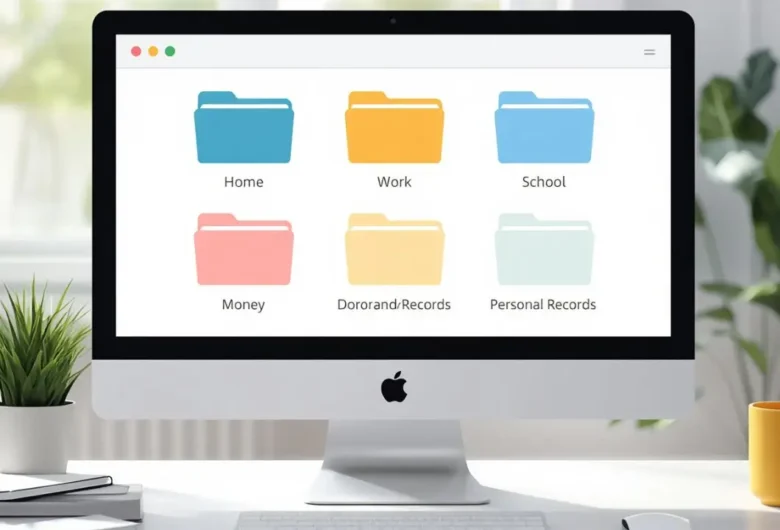
Backing up files can feel confusing. You may know you should do it, but not know where to start. Should you use cloud storage? An external hard drive? A USB stick? Your phone’s backup setting? The 3-2-1 backup rule gives you a simple way to think about it. It is not a complicated tech rule. …

Saving important files in one place can feel safe until something goes wrong. A laptop can stop working. A phone can be lost. An external hard drive can fail. A cloud account can be locked or deleted by mistake. That is why many people wonder which option is safer: cloud backup or an external hard …

(The risks most people underestimate) Why data loss doesn’t always come from broken hardware When people think about losing photos or videos, they usually imagine: But over the years, we’ve seen just as much loss come from things that don’t make a sound at all. No clicks.No warning lights.Just files quietly disappearing — or becoming …

(So they run quietly — without breaking things) Why manual backups always fail eventually Almost everyone starts with good intentions: “I’ll back this up every week.” And for a while, it works. Then life happens. Manual backups don’t fail because people are careless.They fail because memory is not a system. We learned that lesson the …

The 3-2-1 backup rule gets mentioned a lot in digital preservation. And there is a reason for that: it works. The problem is that it is often explained in a way that makes it sound more complicated than it really is. For many people, the phrase “3-2-1 backup” sounds like something built for IT professionals, …

A lot of people think they have a backup because their files exist in more than one place. Sometimes that is true. Sometimes it is not. A copied folder, a synced cloud account, an external hard drive, or a second device can all be useful. But usefulness is not the same thing as a real …